How to create your Calendon account
Setting up a Calendon account takes about two minutes and gives you a personal booking page you can share straight away. This guide covers every step, from the register page to your first login.
1. Register
Open your browser and go to https://calendon.com. Click the Get Started button on the homepage, or go directly to https://calendon.com/register.

2. Fill in your details
Enter your details on the register page:
- Full name: shown to guests when they book with you
- Email address: booking notifications will be sent here
- Booking URL: your unique link, for example
https://calendon.com/yourname - Password and Confirm password
Click Register to create your account.
Prefer Google? You can also sign up in one click using your Google account. Click Continue with Google on the register page and Calendon will set everything up for you — no password needed.

3. Verify your email
After registering you will see a confirmation message telling you to check your inbox.

Open the email from Calendon and click the verification link. If you do not see it, check your spam folder.

4. Your dashboard is ready
After clicking the verification link you will be logged in automatically and land on your Calendon dashboard. This is where you manage your availability, events, and bookings.
If you are not logged in automatically, go to https://calendon.com/login and sign in with your email and password.

What to do next
Your account is free to start — no credit card needed.
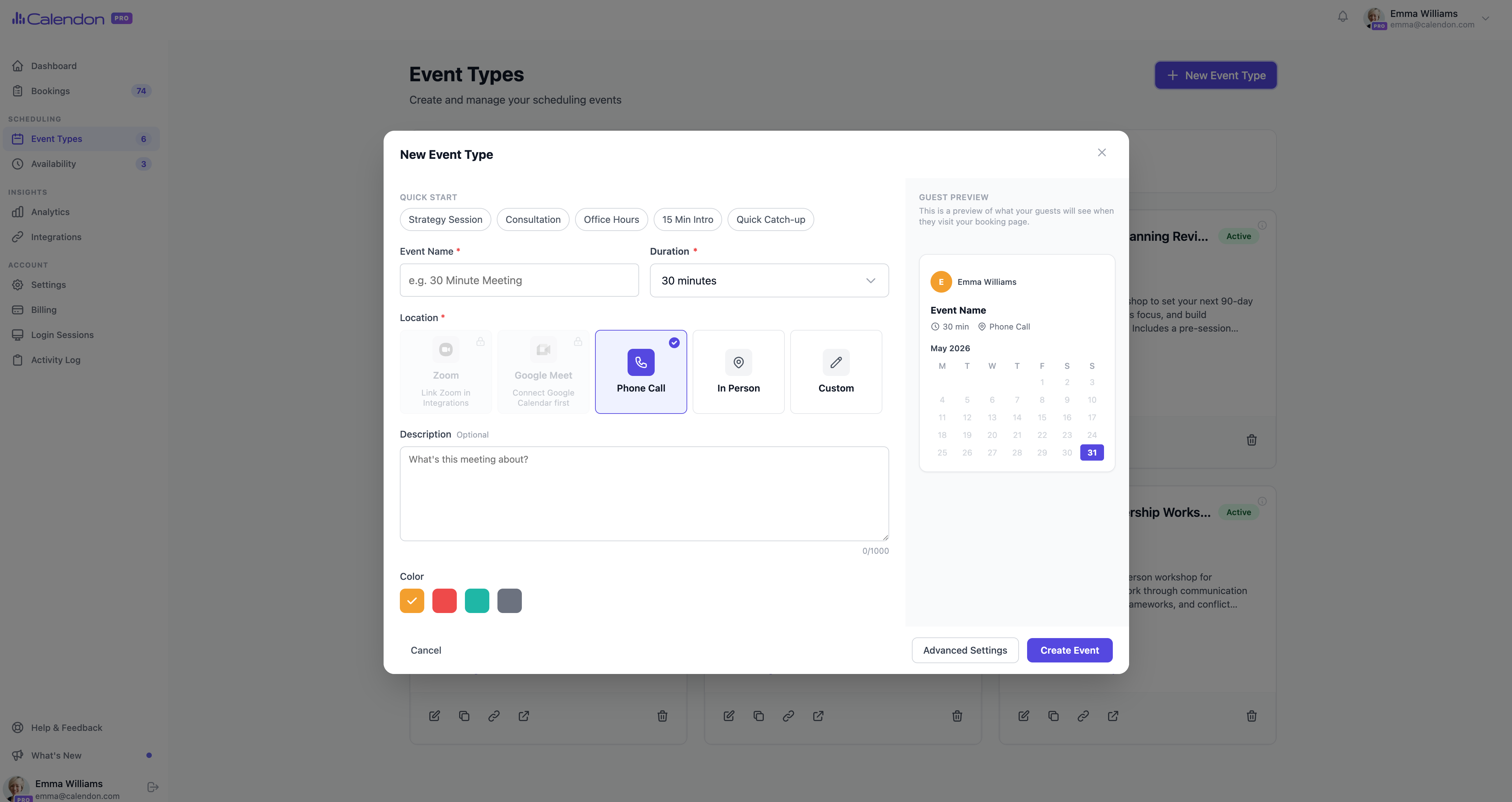
The next step is to set your availability in Calendon so Calendon knows when you are open for bookings. After that, create your first event type and share your booking link with guests.
Frequently asked questions
Is Calendon free to use? Yes, your account is free to start. No credit card is required to register.
Can I change my booking URL after signing up? Yes. You can update your booking URL from your account settings at any time.
What if I do not receive the verification email? Check your spam or junk folder. If it is not there, you can request a new verification email from the login page.
Can I use the same email for multiple accounts? No. Each email address is linked to one Calendon account.
Simplify your scheduling
Share one link. Let people book a time.